Make your screenshots and recordings look good.
Capture a screenshot or record your screen, then style it in seconds. Backgrounds, annotations, zooms, and export in one Mac app.
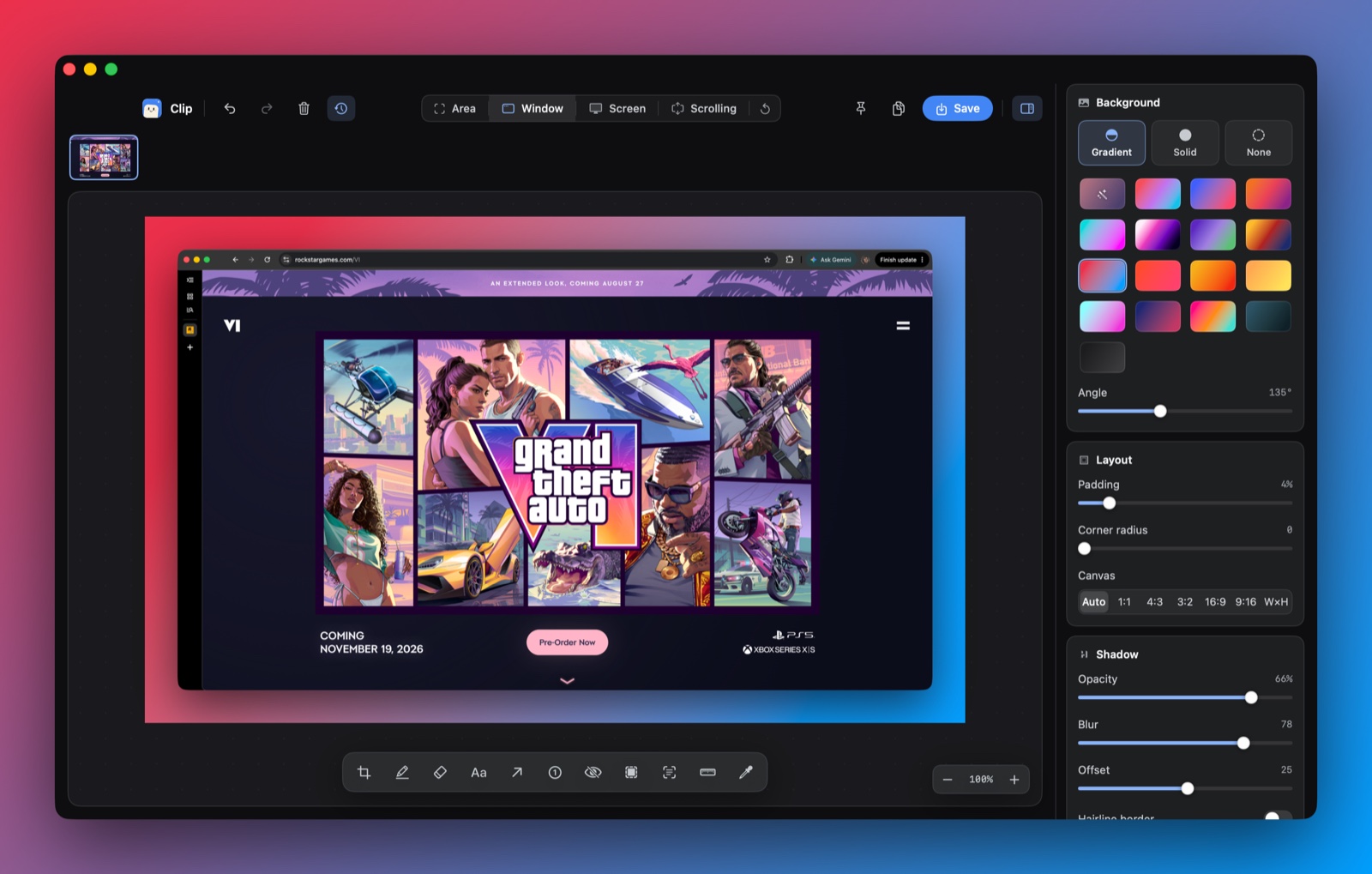
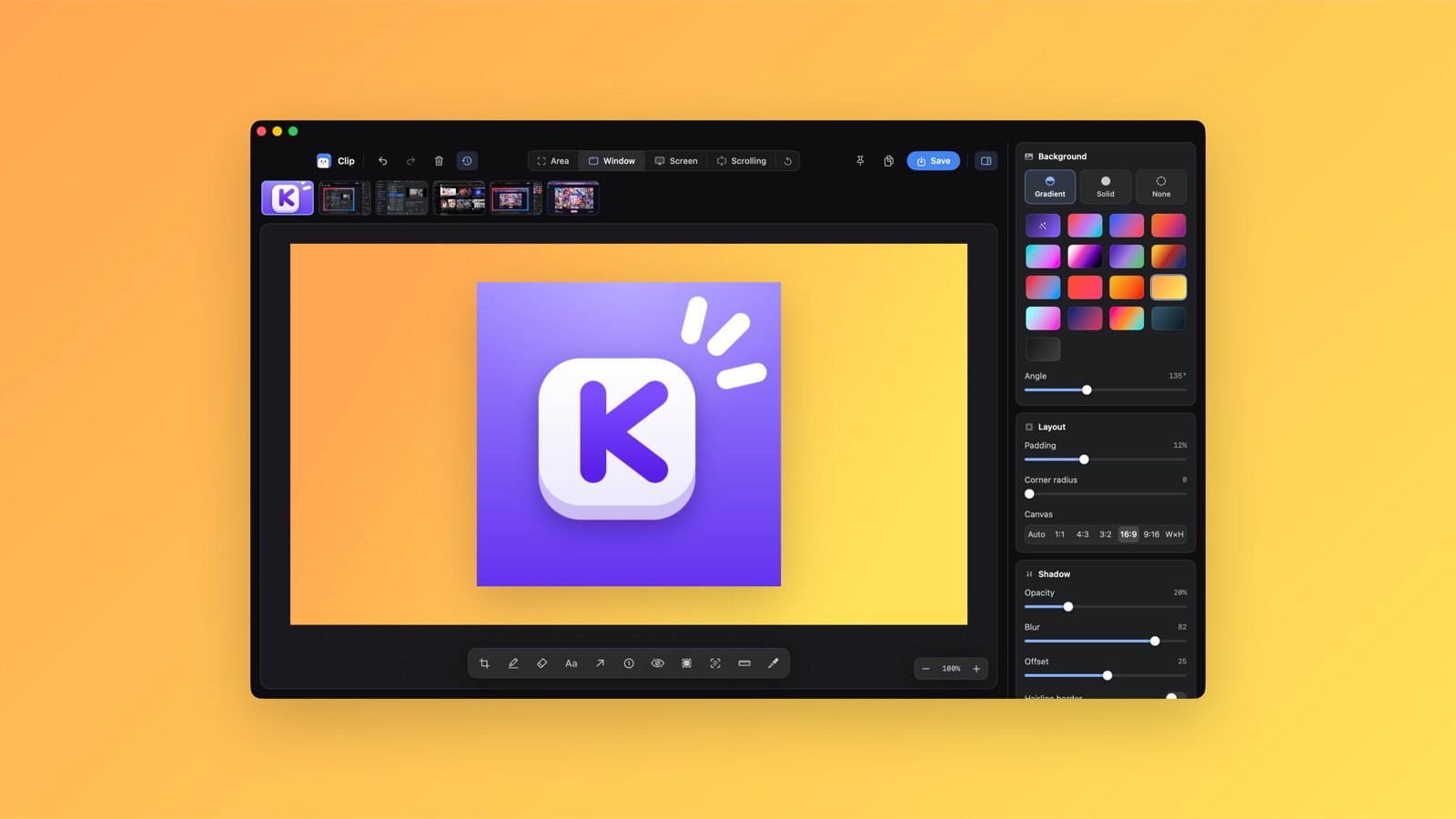
Pick a background.
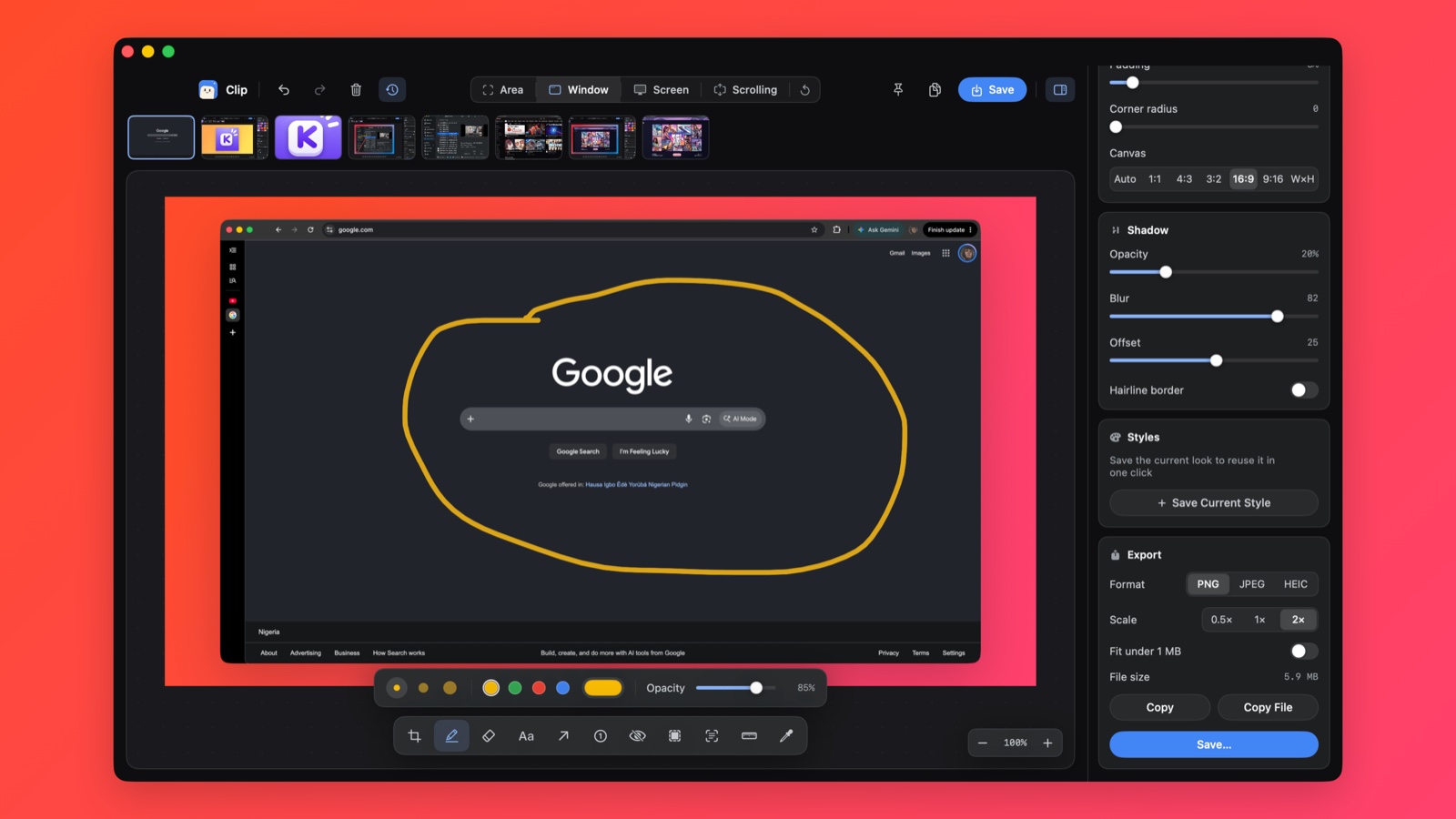
Twelve gradients, any solid color, or none at all. There are aspect ratio presets too, so a shot fits a slide or a story without opening a design tool.
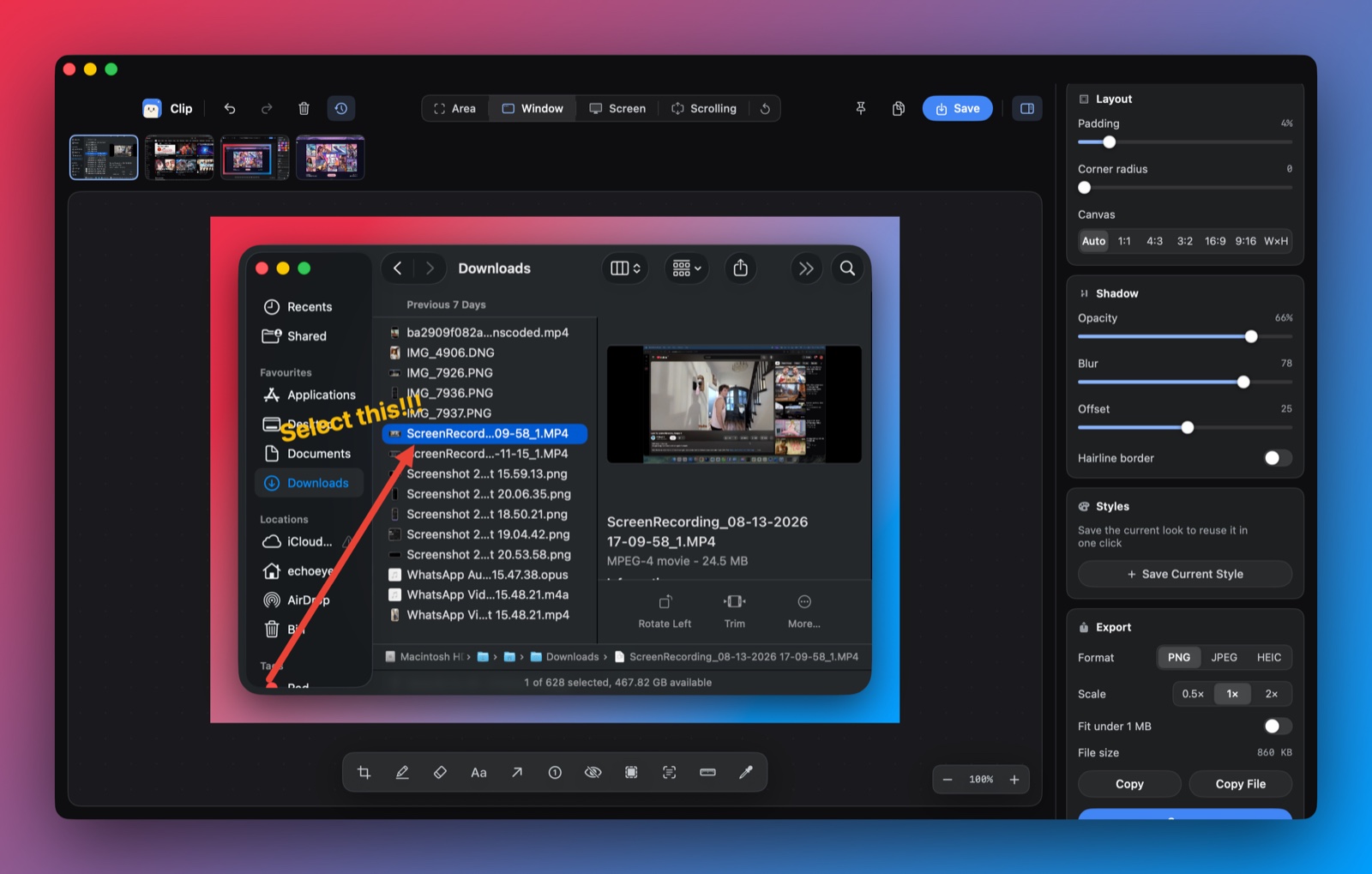
Show people where to look.
Draw an arrow, circle something with the marker, or type a note on top. Annotations stay editable until you export, so you can fix a crooked arrow instead of starting over.
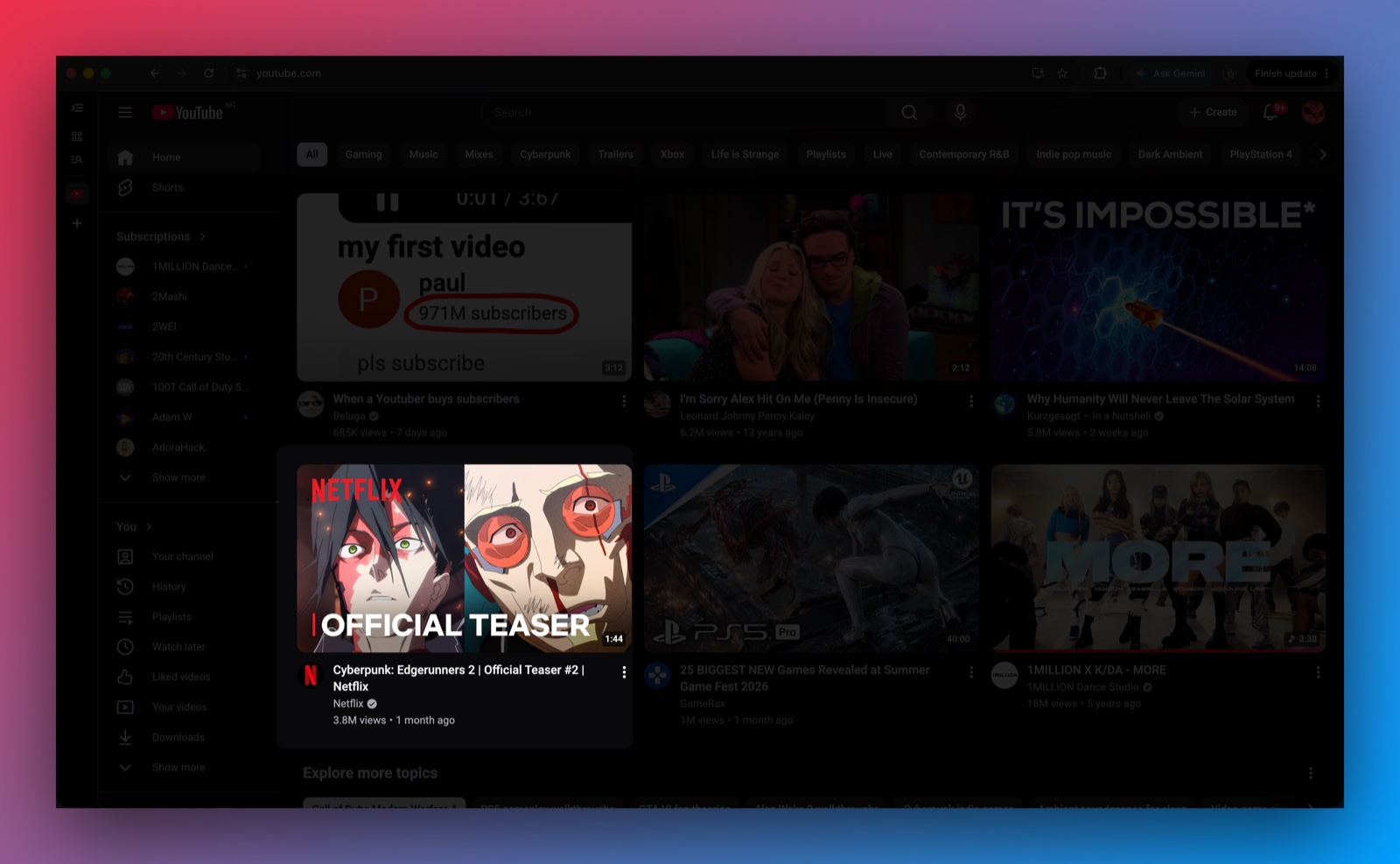
Dim what doesn't matter.
The spotlight darkens everything except the part you're pointing at. It works well on busy pages where an arrow alone gets lost.
Copy it and move on.
Export PNG, JPEG, or HEIC at half, full, or double size. A toggle keeps files under 1 MB for chat apps, or skip the file entirely and copy straight to your clipboard.
Record your screen.
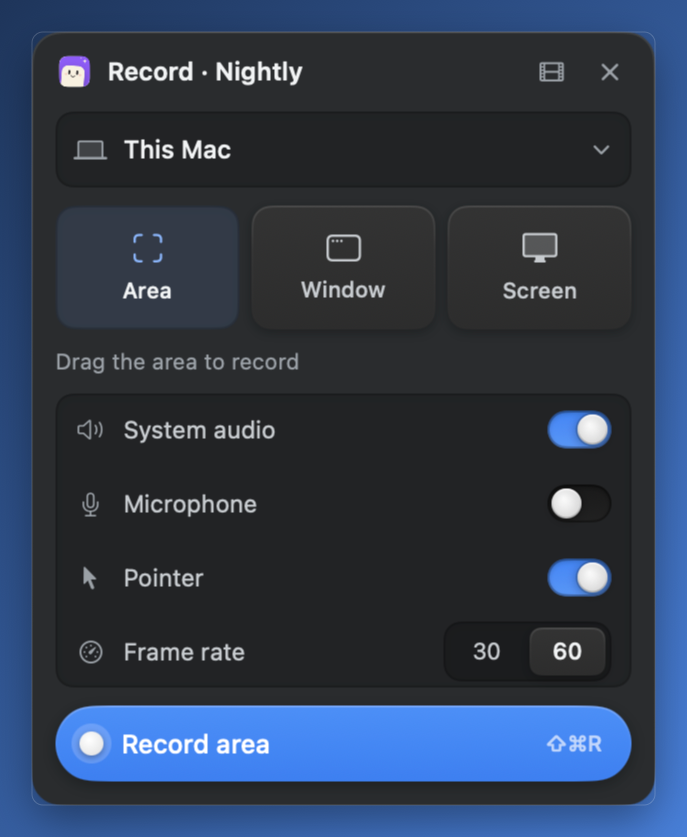
Pick an area, a window, or a whole display from a small floating panel. System audio, the microphone, and the pointer are each a switch, and you can record at 30 or 60 frames per second.
Then edit it like a screenshot.
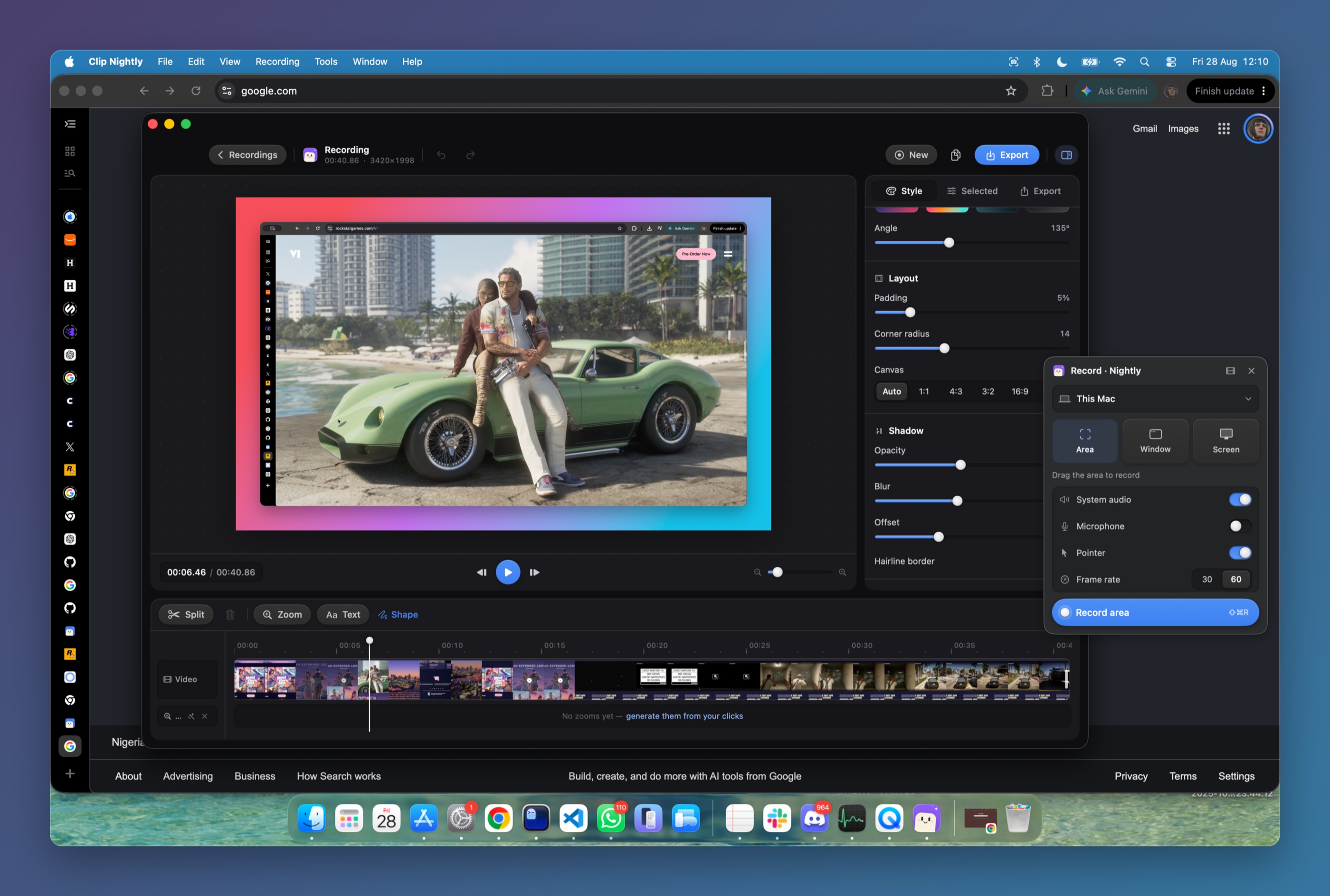
The recording opens in an editor with the same backgrounds and padding. Trim and split on the timeline, add zooms where you clicked, put text or shapes on top, and export MP4, MOV, or GIF.
What a recording looks like.
A browser session recorded with Clip and exported as is: the window on a gradient canvas, and zooms that follow where the pointer went.